
An Online Al-Anon Email Meeting
An Online Al-Anon Email Meeting

To make administration changes or to edit existing blog posts, follow these steps:
Here are the above steps with images:
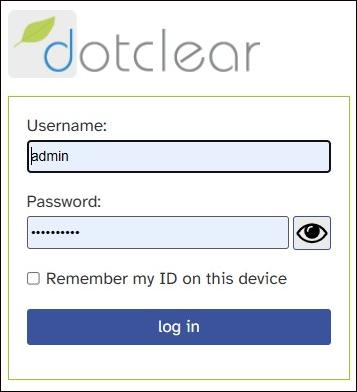
Go to the Blog Admin Page. Type "admin" into the username field and then the password. The Key to Harmony treasurer maintains the password for the Key blog.
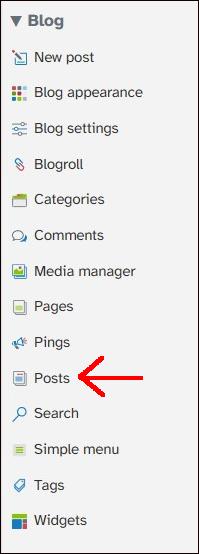
Click on "Posts" in the left-side navigation bar to see a list of all posts made to the blog. Click on the post that you wish to edit.
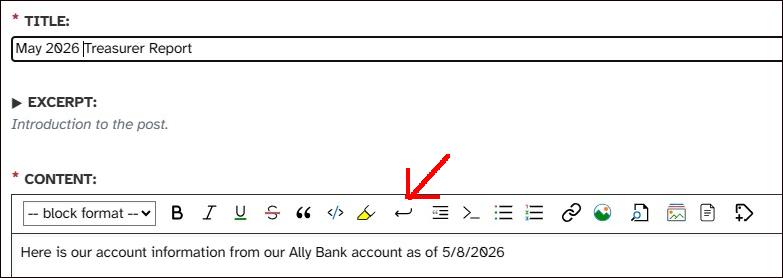
Use the WYSIWYG tools above the CONTENT section to format the blog post. The most common task is to add line breaks into the content with the tool indicated above.
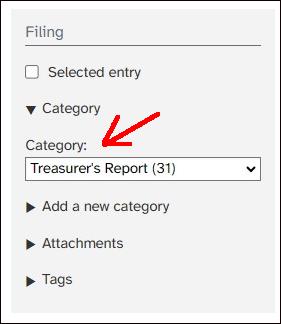
Find the FILING section of the blog post - either to the right of the CONTENT section or below it depending on screen size - and make sure the post is assigned to the proper category.